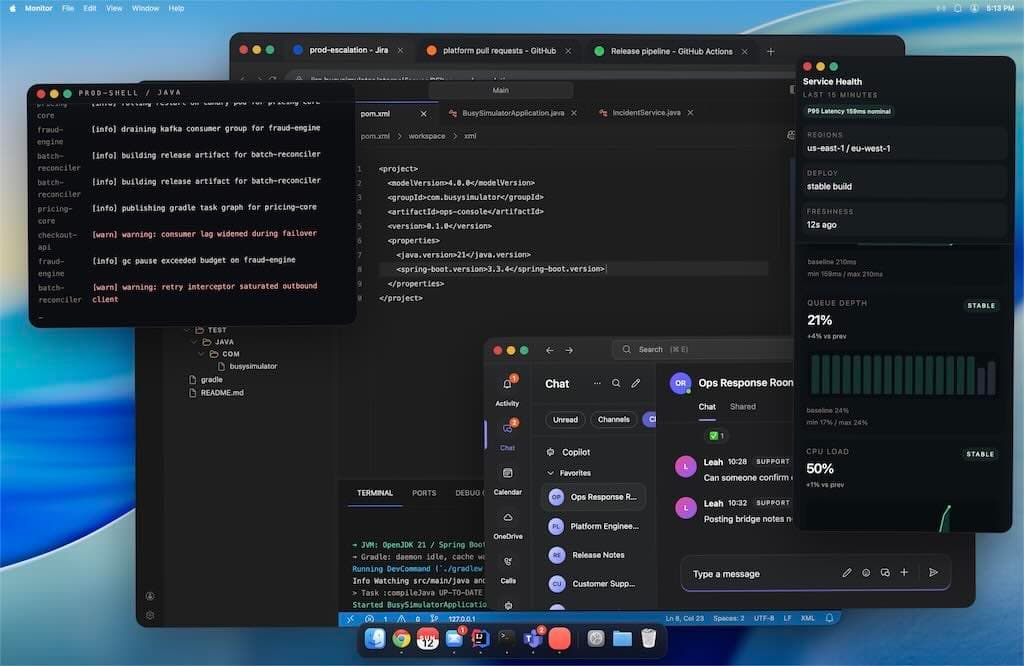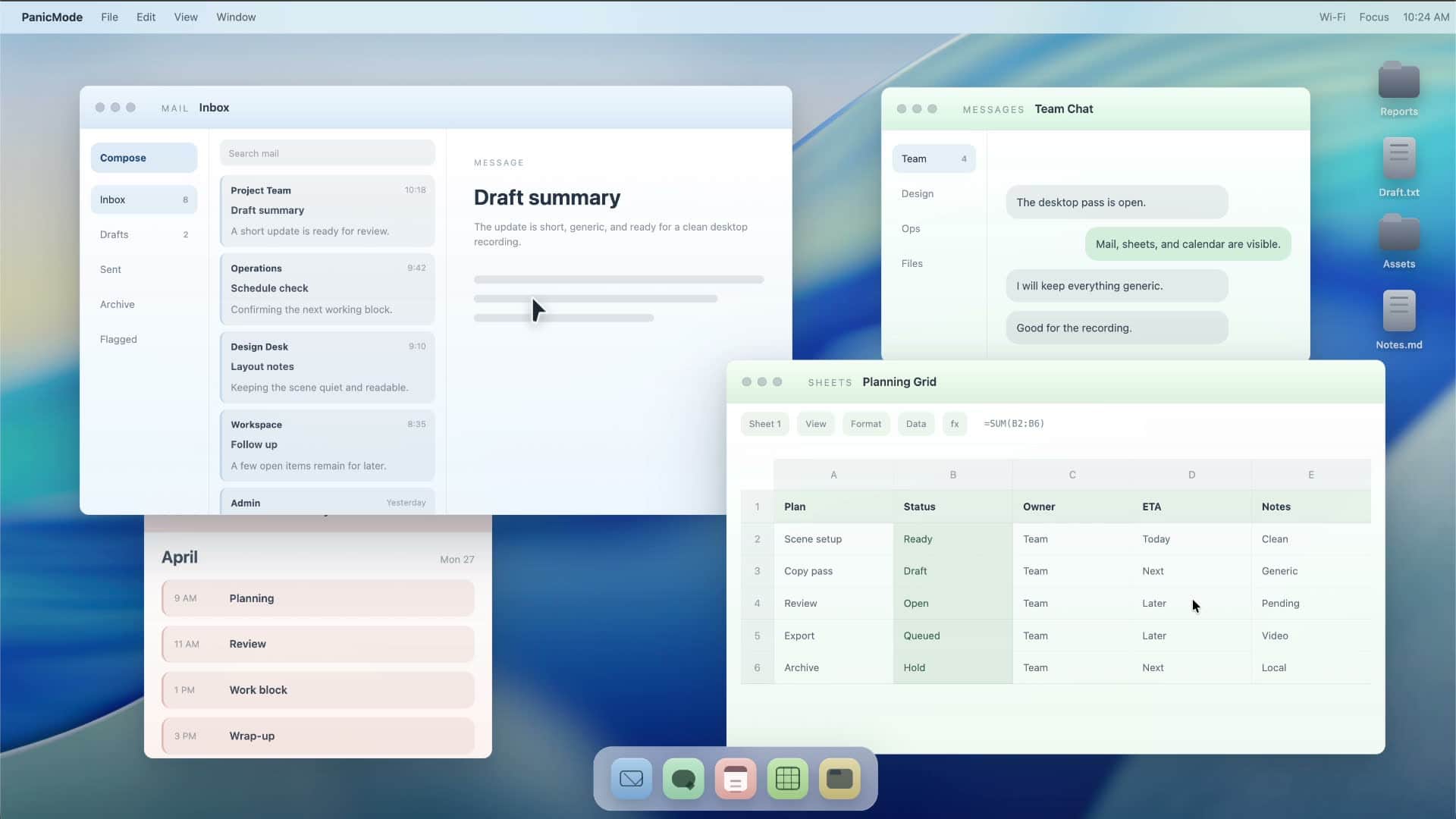
Instant privacy overlay
Press the shortcut whenever sensitive information is visible.
Local privacy screen
Instantly cover your screen when someone walks by.
Runs locally. No recording. No uploads.
What PanicMode does
PanicMode protects sensitive information from accidental exposure.
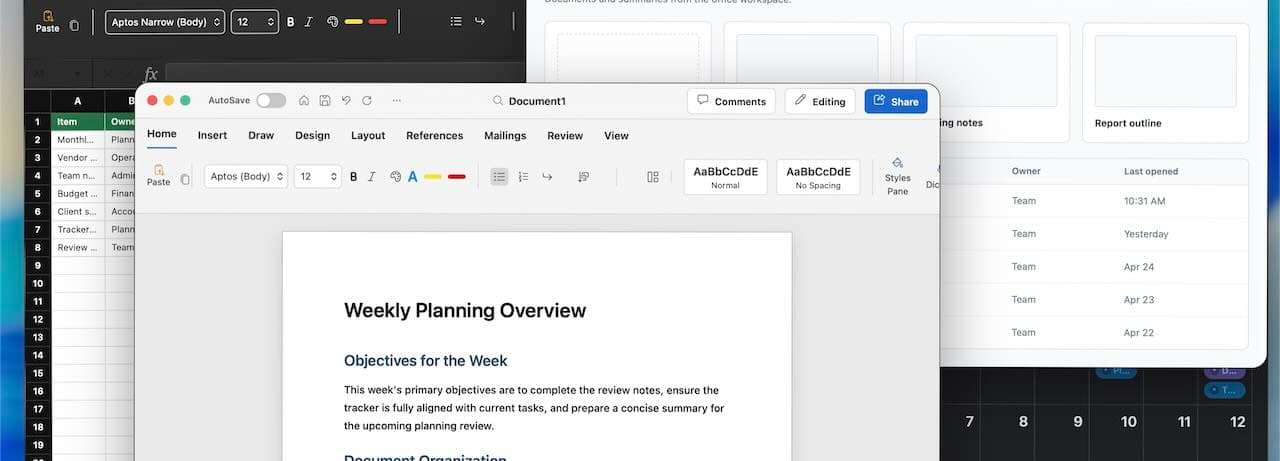
Press the shortcut whenever sensitive information is visible.
Use a clean, neutral overlay that keeps sensitive apps, chats, and files out of view.
Built for cafes, open offices, coworking spaces, screen sharing, and quick walk-bys.
3 steps
Workflow
Configure it once. Trigger it instantly when needed.
Choose a neutral screen that contains no personal or work data.
Protect sensitive information instantly when needed.
Use the same shortcut to reveal your normal desktop again.
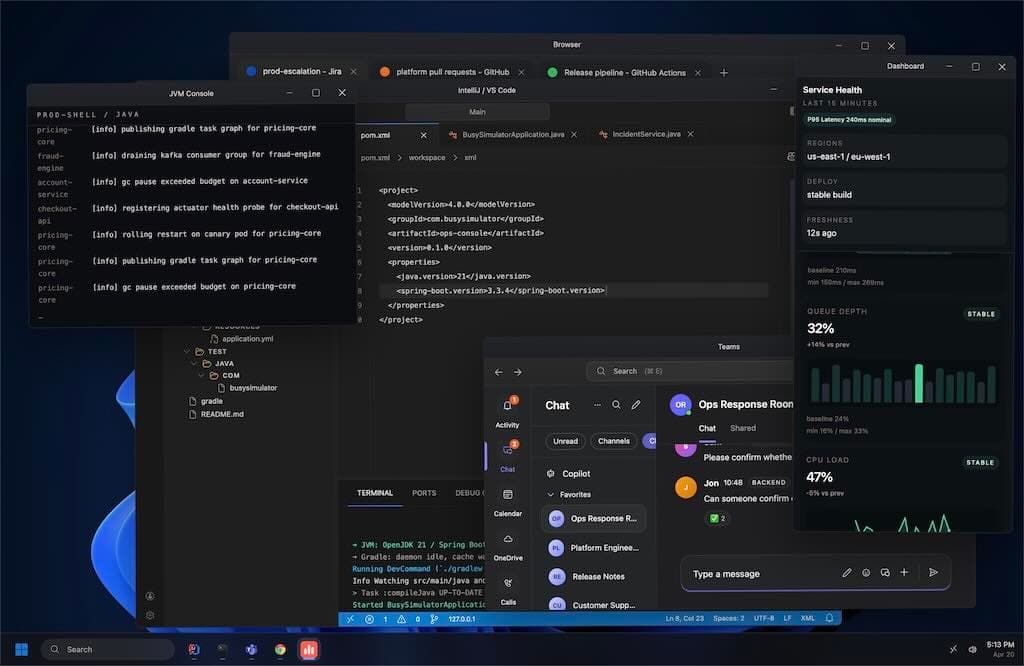
Native on macOS and Windows
Designed to blend naturally into your desktop environment.
Configurator
Pick an overlay style that protects information on your desktop without using real files, chats, or apps.
Pricing
Use the privacy overlay with a short delay, or unlock instant switching with a one-time license.